
CURRENT RETAIL
World of Warcraft Retail
Use the latest ElvUI package for the current live Retail client.
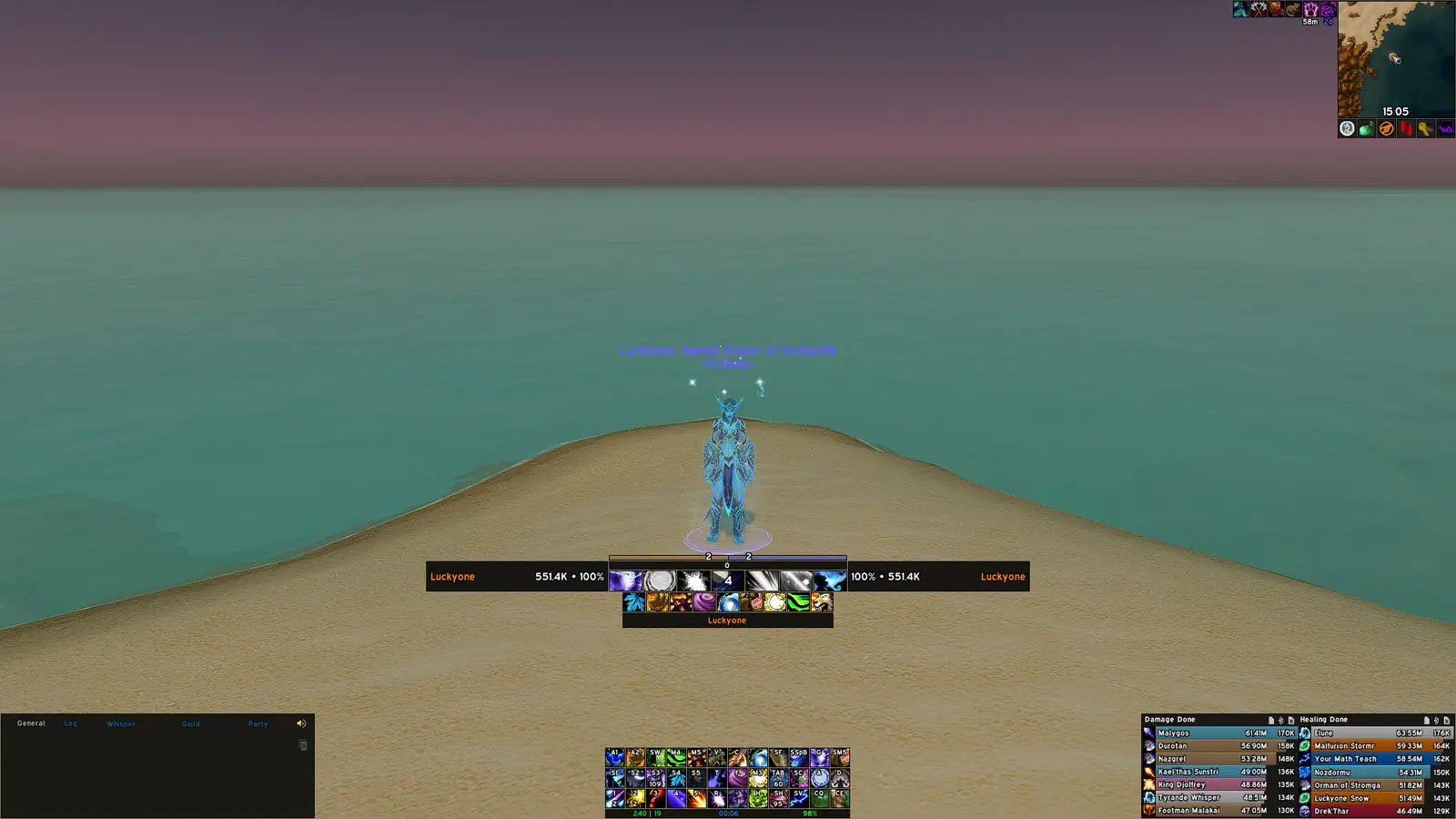
VERIFIED JULY 16, 2026 · INDEPENDENT GUIDE
Get the latest verified ElvUI package for Retail, Mists of Pandaria Classic, Classic Era and TBC Anniversary from the official Tukui distribution.
Release verified with Tukui; direct archive served from the public v15.26 Git tag.
CHOOSE YOUR WOW CLIENT
The verified ElvUI archive includes the addon folders and TOC files used by each currently supported World of Warcraft branch.
CURRENT RETAIL
Use the latest ElvUI package for the current live Retail client.
PROGRESSION CLASSIC
The same current archive includes support for the MoP Classic client.
ORIGINAL WORLD
Install the current package in the _classic_era_ AddOns directory.
ANNIVERSARY
Current ElvUI metadata includes the 2.5.6 Anniversary branch.
INSTALL IN MINUTES
ElvUI does not use a traditional installer. The archive contains three addon folders that belong inside your active WoW client's Interface/AddOns directory.
Use the button above for the verified v15.26 archive from the public ElvUI Git tag.
Copy ElvUI, ElvUI_Libraries and ElvUI_Options into the correct AddOns directory.
Open the AddOns list at character selection, enable the folders, then follow the in-game setup.

VERSION ARCHIVE
Use a tagged GitHub source archive only when a private server, archived WoW client or troubleshooting process requires it. Current live clients should use the latest release.
| Version | Release family | Status | Source |
|---|---|---|---|
| 15.26 | Current multi-client release | Current | Download tag |
| 14.07 | Legacy 14.x series | Legacy | Download tag |
| 13.93 | Legacy 13.x series | Legacy | Download tag |
| 12.75 | Legacy 12.x series | Unsupported | Download tag |
ElvUI download compatibility and installation checks should begin with the World of Warcraft client you actually launch, not only with an expansion name remembered from an older guide. ElvUI has its own release number, while every WoW branch publishes an interface number that addon metadata uses for compatibility. At the October 8, 2026 verification, ElvUI 15.26 listed Retail interface 12.1.0, Mists of Pandaria Classic 5.5.4, Classic Era 1.15.9 and TBC Anniversary 2.5.6. Showing those values together prevents a common mistake: treating a WoW patch number such as 11.2.0 as though it were an ElvUI version.
Before using the download button, complete the ElvUI download compatibility and installation checks by opening Battle.net and noting the selected game version. Retail, progression Classic and Classic Era can be installed side by side, and each has a separate Interface/AddOns directory. The same current archive can contain metadata for several supported branches, but WoW only reads addon files from the folder belonging to the active client. If ElvUI does not appear on the character-selection AddOns screen, checking that directory is more useful than immediately trying an older release.
Players using an archived client or private server need a different process. Start with the exact client build and then look for a verifiable historical Git tag. A filename from a forum post is not reliable version evidence. The version archive on this site links only to tags that can be matched to the public ElvUI repository and labels old builds as legacy or unsupported.
The ElvUI download is a ZIP archive rather than a Windows or macOS installer. A working package exposes three directories: ElvUI, ElvUI_Libraries and ElvUI_Options. The main directory contains the interface modules, the libraries directory supplies shared code, and the options directory provides the in-game configuration interface. All three belong directly inside the selected WoW client's Interface/AddOns folder. Leaving one directory behind can produce missing settings, dependency warnings or Lua errors even when the main ElvUI entry appears enabled.
A GitHub tag archive normally adds an outer directory such as ElvUI-15.26. Open that wrapper before copying files. WoW needs to see a path like AddOns/ElvUI/ElvUI_Mainline.toc or the equivalent client TOC; it cannot discover the addon when the actual folders remain one level deeper. This directory-depth issue explains many reports that an ElvUI download was completed but nothing appeared in game.
ElvUI replaces major parts of the default interface, including action bars, bags, chat, maps, nameplates, tooltips and unit frames. It does not automatically include every font, WeakAura, media pack or third-party plugin shown in a community profile screenshot. Install the base package first, complete the initial setup and confirm that /ec opens the configuration panel before adding optional profile packs or companion addons.
A current ElvUI download matters most after a major WoW patch, because Blizzard interface changes can break calls used by older addon code. Check the Tukui release page or public repository when the game updates, when ElvUI reports an available version, or when reproducible Lua errors begin immediately after a client patch. This page records the last verified version and date so visitors can judge the freshness of the information instead of trusting an undated “latest” label.
Profiles normally survive an update because saved variables live under the WTF directory rather than inside Interface/AddOns. Even so, copy the WTF folder before a major update. Then close WoW, delete only ElvUI, ElvUI_Libraries and ElvUI_Options from AddOns, and copy the fresh directories from the new archive. Replacing the folders cleanly is preferable to merging files because a merge can leave obsolete modules that no longer exist in the current release.
If the interface fails after an update, disable optional ElvUI plugins and test the base package with a new profile. Confirm that all three core directories came from the same ElvUI download and were installed in the active client. Restoring the backup is safer than downloading an unverified older ZIP. The update and profile guides provide a more detailed recovery workflow for players who maintain several layouts or game branches.
After a repair or game move, reopen the active client location from Battle.net and compare the executable path, three addon folder dates and displayed ElvUI version. This prevents a correct archive in an inactive WoW copy from being mistaken for a failed download.
Store the confirmed package outside AddOns with the WoW branch, ElvUI tag and date in its name. Remove duplicate ZIP files only after important characters and profiles pass combat, group and reload checks.
SOURCE POLICY
This site checks release metadata against the Tukui API and historical tags against the public ElvUI GitHub repository. We do not label unverified filenames as official releases.
QUICK ANSWERS
The Tukui API reported ElvUI 15.26 on October 8, 2026, with a October 8, 2026 update date. The direct button uses the matching public v15.26 Git tag.
Yes. Current Tukui metadata lists interface support for Retail 12.1.0, MoP Classic 5.5.4, Classic Era 1.15.9 and TBC Anniversary 2.5.6 in the current package.
ElvUI is distributed by Tukui and maintained in the public tukui-org/ElvUI GitHub repository. Use those sources instead of assuming a similarly named CurseForge listing is the official package.
Yes. The addon files are platform-independent. On macOS, place the three ElvUI folders inside the AddOns directory for the WoW client you actually launch.
Yes. The version archive links to verifiable Git tags. Older builds are unsupported and should only be used for an older game client or controlled troubleshooting.
Normally no, because profiles are stored in the WTF folder rather than the addon folder. Back up WTF before a major update and never delete it as part of a routine addon update.