
Choose your WoW Classic branch
The most common installation mistake is copying ElvUI into a different client folder from the one being launched.
| Client | Interface | Install folder | Guide |
|---|---|---|---|
| Mists of Pandaria Classic | 5.5.4 | _classic_/Interface/AddOns | MoP Classic |
| Classic Era | 1.15.9 | _classic_era_/Interface/AddOns | Classic Era |
| TBC Anniversary | 2.5.6 | Check the active Anniversary client folder | TBC Anniversary |
How the shared package works
ElvUI ships client-specific TOC metadata alongside shared addon code. WoW reads the TOC that matches the active game branch. This is why the latest download can support multiple branches without separate buttons for every client.
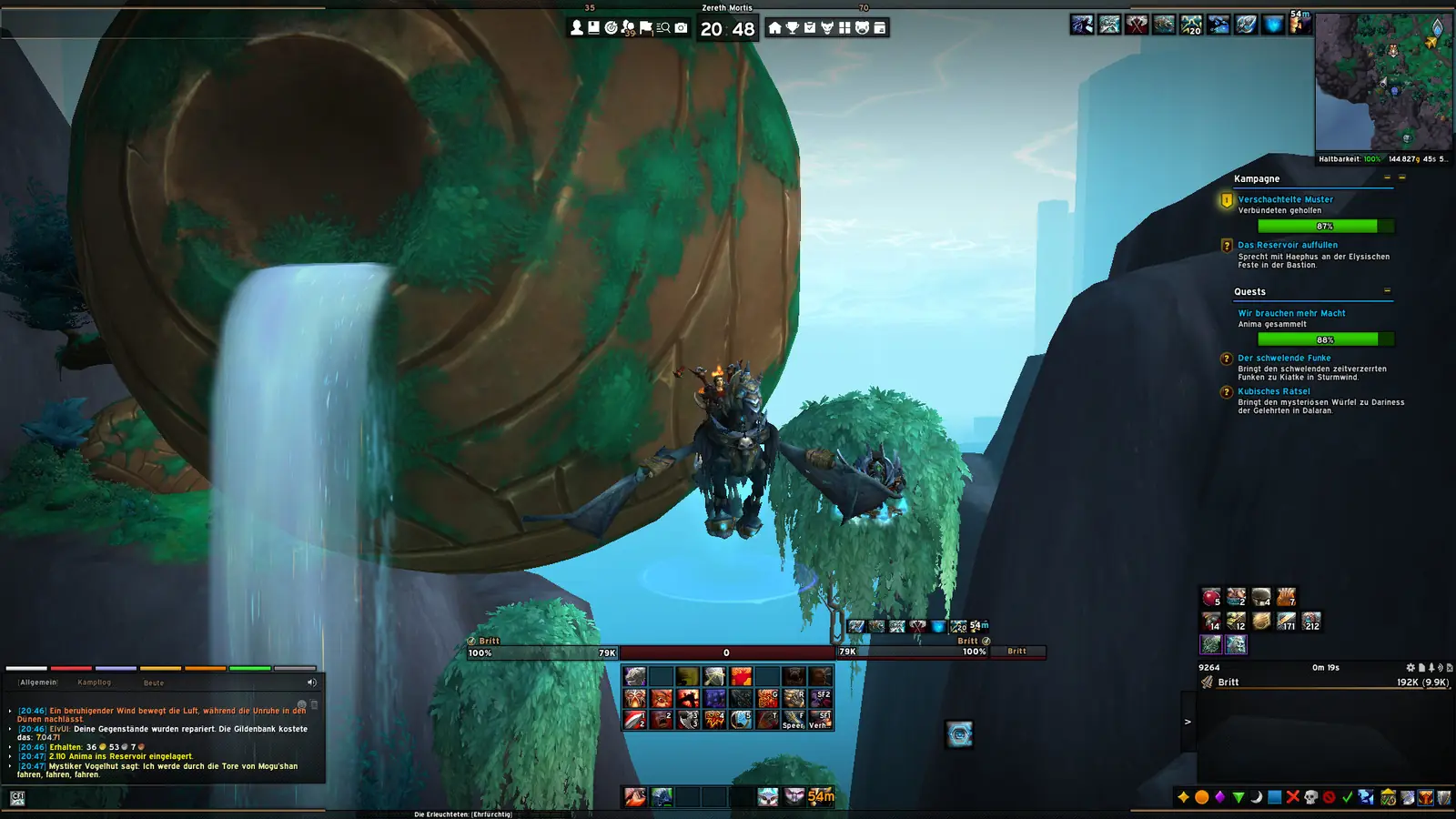
Classic troubleshooting
- If ElvUI is absent from the AddOns list, check for an extra wrapper folder.
- If it is marked out of date, confirm that you installed into the correct client directory.
- If settings look corrupted, test a new profile before deleting saved variables.
- For an unsupported private-server client, use a verified historical tag rather than the current live package.
What ElvUI Classic means across current WoW clients
ElvUI Classic is not one fixed client that remains unchanged over time. Players use the phrase for progression Classic, Classic Era, seasonal or Anniversary branches, and sometimes private servers based on original expansion clients. Those environments can require different interface numbers and installation directories even when their interfaces look similar. The current Tukui metadata checked on July 16, 2026 lists ElvUI 15.26 support for MoP Classic interface 5.5.4, Classic Era 1.15.8 and TBC Anniversary 2.5.6. That patch list is more precise than a generic “Classic compatible” label.
The current multi-client archive contains shared ElvUI code and client-specific TOC metadata. WoW chooses the metadata associated with the branch being launched. This arrangement explains why the same current download can support several live Classic branches without separate archives for each one. It does not mean that one package supports every historical private-server client. A 3.3.5a, 4.4.2 or 5.4 client may require a specifically maintained legacy project or an older verified tag.
Use the ElvUI Classic hub to identify the branch first. Then follow the dedicated page for its interface number, folder name and current verification status. This prevents expansion nicknames from hiding the technical compatibility decision.
ElvUI Classic download and installation directory
The ElvUI Classic download and installation directory must belong to the branch that Battle.net actually launches. A Battle.net installation can contain _retail_, _classic_, _classic_era_ and other branch directories beside one another. Do not assume that the newest folder or the folder named only “classic” is correct. Select the game version in Battle.net, open its install location from the cog menu and follow the path from that exact client.
After finding the ElvUI Classic download and installation directory, extract the archive and locate ElvUI, ElvUI_Libraries and ElvUI_Options. Copy all three directories directly into AddOns. GitHub archives introduce an outer wrapper, while some archive tools introduce an additional directory named after the ZIP. Remove those wrappers so WoW can find each TOC file at the expected depth. When ElvUI is missing from the AddOns list, directory depth and wrong-client placement should be checked before version downgrades.
Keep an independent ElvUI Classic download and installation directory for each WoW branch. Sharing one Interface directory with symbolic links or manual synchronization can mix client-specific files and complicate troubleshooting. Separate directories also let one branch update without changing a working setup in another branch.
Test ElvUI Classic compatibility after installation
Open the AddOns panel at character selection and confirm that the three core directories are enabled. If WoW marks them out of date, compare the interface number on this site with the build shown by the client. Enabling “Load out of date AddOns” can help identify a minor TOC lag, but it cannot make incompatible Lua APIs work. A repeated protected-action error, missing options panel or library failure indicates a problem that should be investigated rather than ignored.
Complete the ElvUI setup on a new or copied profile before importing a complex community layout. Classic branches expose different game systems from Retail, so a profile created for another branch can contain settings for unavailable modules or frames. Start with the built-in role layout, verify action bars, unit frames, bags, maps and chat, and only then add profile packs, WeakAuras or plugins.
When a problem appears, disable every optional ElvUI plugin and reload. Confirm that ElvUI, ElvUI_Libraries and ElvUI_Options all came from the same release. If base ElvUI works, enable extensions one at a time. This process distinguishes a core compatibility issue from an outdated skin, media package or profile dependency.
Update ElvUI Classic without damaging another branch
Before updating ElvUI Classic, note the branch, current addon version and client interface number. Back up the branch's WTF folder and its three ElvUI directories. Exit every running WoW client, delete only the three old ElvUI directories from the selected branch, and copy the three fresh directories into the same AddOns location. Do not delete WTF during a routine update because that removes profiles and other addon settings.
Progression Classic can move to a new expansion and interface family, while Classic Era stays on a different line. An update appropriate for one branch may not be appropriate for the other on the same day. Read the current Tukui patch list and the dedicated branch page instead of assuming all Classic installations should change together. Keep the previous working archive until the new version has loaded successfully and completed a full logout and restart.
If the current release no longer targets an intentionally archived client, use the old-version archive to find a real public tag and document the match. Do not download an executable installer or a ZIP with no repository provenance. The ElvUI Classic workflow should always preserve a rollback path, identify the exact game client and keep core folders from one consistent release.
Recheck the branch after every launcher update. Battle.net can change which progression client the general Classic entry opens, while Classic Era remains separate. Confirming the active executable keeps an otherwise correct ElvUI Classic update from being copied into an inactive folder.
ElvUI Classic FAQ
Is ElvUI Classic a separate download?
The current Tukui package supports multiple live branches. Install that archive into the AddOns directory of the Classic client you use.
Does ElvUI work with Classic Era?
Yes. ElvUI 15.26 metadata includes Classic Era interface 1.15.9.
Can I use modern ElvUI on Wrath 3.3.5a?
No current live-release compatibility is implied. A 3.3.5a client generally requires a specifically maintained legacy fork or historical build.