
What ElvUI 3.3.5a actually is
The phrase ElvUI 3.3.5 usually describes the World of Warcraft client patch, not the addon version. The actively published Tukui package follows its own version line and currently uses ElvUI 15.26 for supported modern clients. A 3.3.5a server cannot load that package because its Lua API, interface number and addon structure belong to a much older game client.
The ElvUI-WotLK community repository maintains a separate codebase adapted to Wrath 3.3.5a. Its latest numbered GitHub release is 6.09. The master branch was updated after that tag, so users must choose between a stable, reproducible release archive and an unversioned development snapshot. Neither should be described as an official Tukui download.
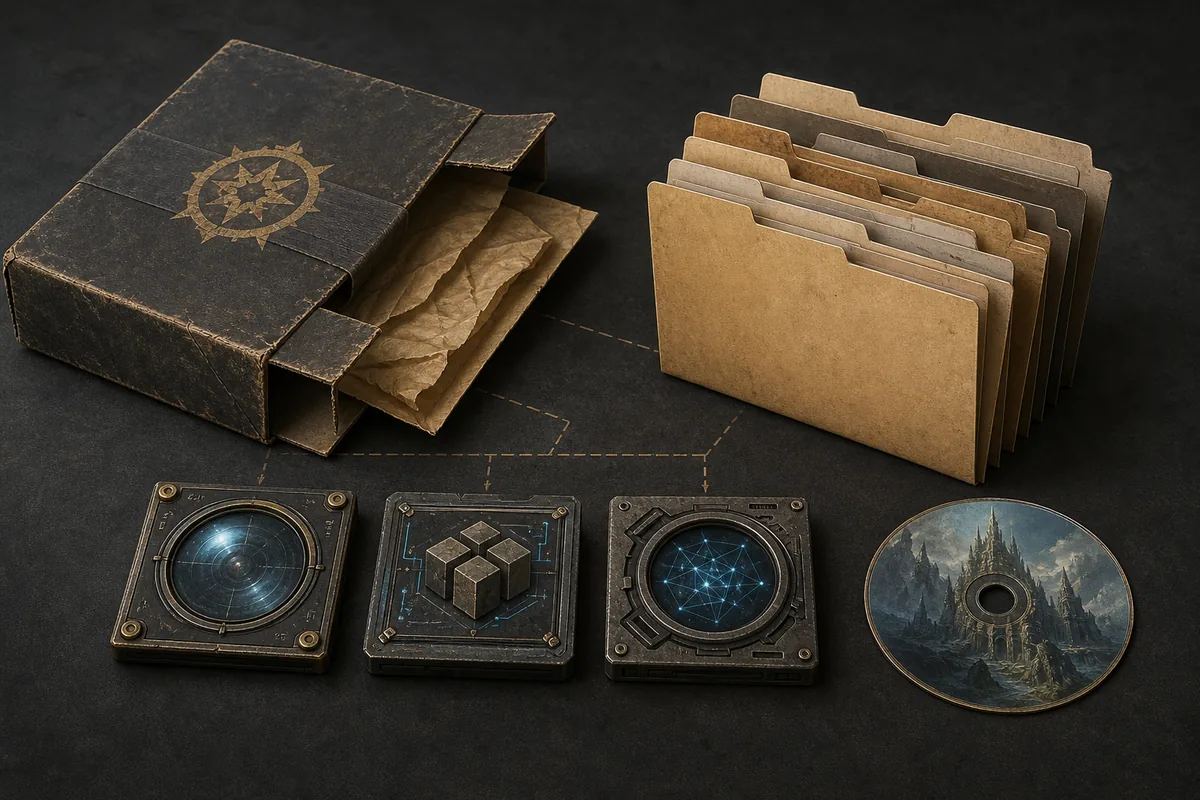
Choose the tagged release or the master snapshot
Release 6.09 is the safer default when you want a file tied to a named Git tag. It is easier to document, reinstall and compare with troubleshooting advice. The master snapshot includes later repository commits, but its contents can change without a new release number and may be harder to match to a server-specific guide.
Private WotLK servers sometimes modify the 3.3.5a client or bundle custom APIs. A package that works on one server may show Lua errors on another. Start with the tagged release, test on a clean profile, and use the master snapshot only when the repository or your server community documents a specific fix you need.
| Package | Best for | Trade-off |
|---|---|---|
| Release 6.09 | Repeatable installation and general 3.3.5a use | Older than later master commits |
| Master snapshot | Testing a documented post-6.09 fix | No newer release number or fixed archive history |
| Modern ElvUI 15.26 | Supported Retail and current Classic branches | Not compatible with a 3.3.5a client |
How to install ElvUI on a 3.3.5a client
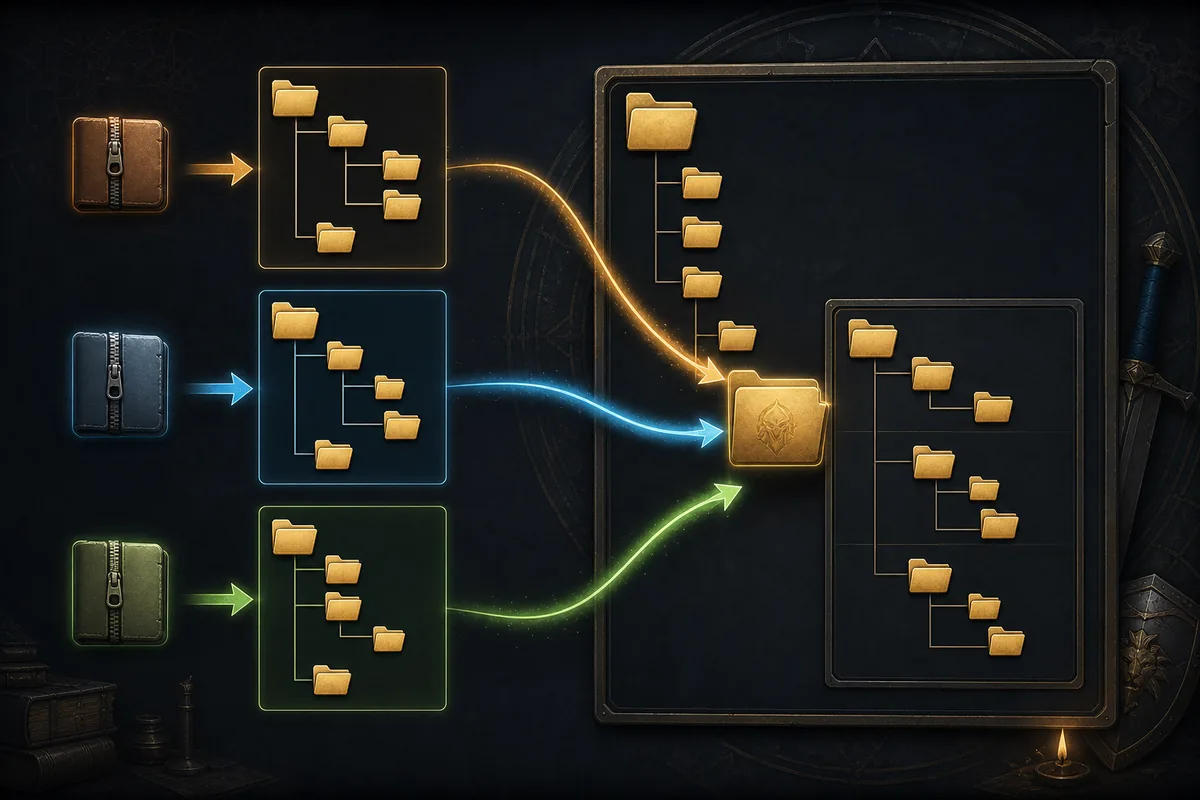
Close the game before replacing addon files and back up the client folder plus the account-specific WTF directory. The downloaded GitHub archive contains a wrapper folder; open it and copy the actual addon folders rather than placing the complete archive directory inside AddOns.
- 1
Confirm the client build
Launch the client once and verify that it is genuinely Wrath 3.3.5a. Do not use this fork for current Blizzard Classic clients.
- 2
Back up saved settings
Copy the WTF folder and any existing Interface/AddOns folder before changing files.
- 3
Extract the ZIP completely
Open the release archive and locate the ElvUI and ElvUI_OptionsUI folders inside the repository wrapper.
- 4
Copy folders to Interface/AddOns
The final path must place each addon TOC directly under its own addon folder, without a duplicated outer directory.
- 5
Enable addons and test cleanly
At character selection, enable the modules, allow out-of-date addons only if your server requires it, and test before importing a large profile.
Do not mix legacy and modern ElvUI files
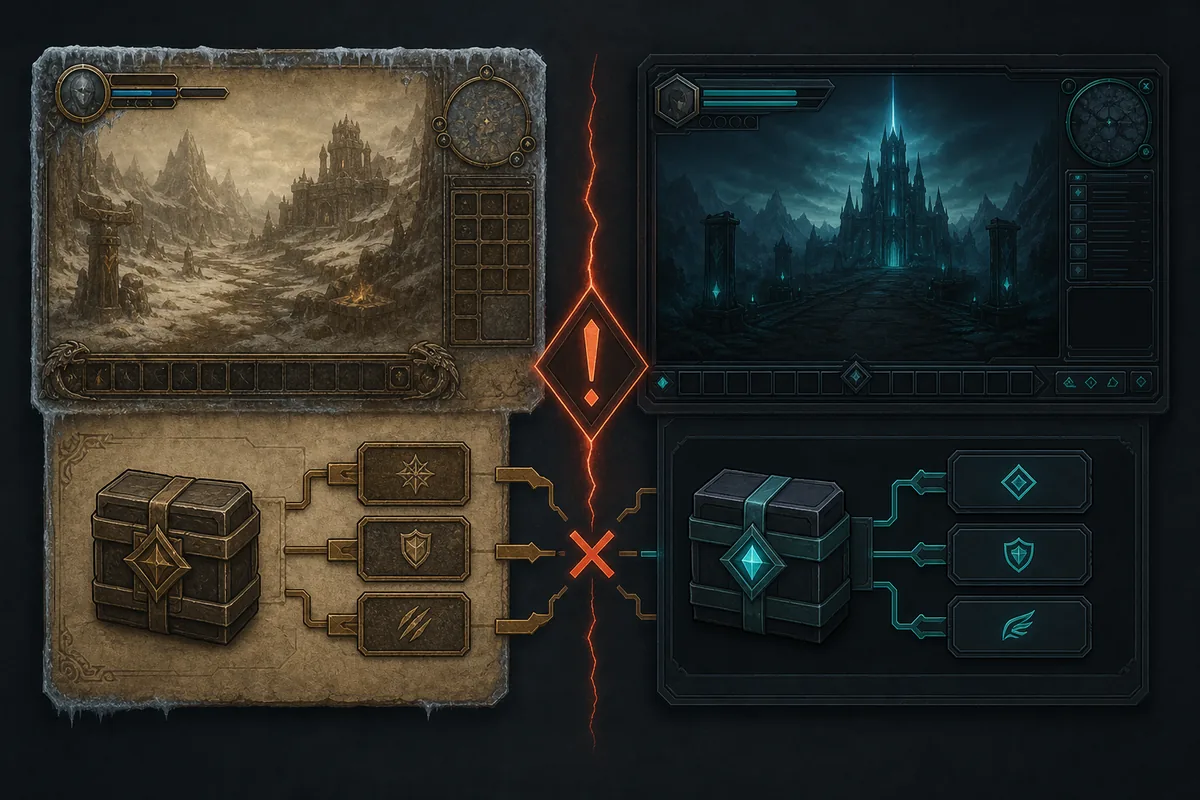
Modern ElvUI 15.26 and the community 3.3.5a fork are different products for different client APIs. Copying folders from one into the other does not create a hybrid compatible build. It usually produces missing-function errors, broken options, incompatible saved variables or an addon that never appears at character selection.
Keep separate game installations and separate backups. If you also play Retail or a current Classic branch, let each client keep its own Interface and WTF directories. Profile strings are not guaranteed to move between these codebases because modules, defaults and serialization formats can differ.
- Never overwrite the 3.3.5a fork with folders from modern ElvUI.
- Do not copy saved variables between clients without a rollback backup.
- Check the server's addon policy before enabling optional modules.
- Treat private-server compatibility advice as server specific, not universal.
Fix common ElvUI 3.3.5a installation problems
Start with the file path and client version before changing in-game settings. Most failures come from an extra archive folder, the wrong WoW installation, mixed releases or saved variables left by another ElvUI fork.
| Problem | Likely cause | First action |
|---|---|---|
| ElvUI is missing from the addon list | Wrong folder depth or wrong client folder | Find the TOC file and move the addon folder one level up |
| Addon is marked out of date | Server interface metadata differs | Confirm the server really uses 3.3.5a before allowing old addons |
| Lua errors appear at login | Mixed files, incompatible plugin or server API change | Remove optional plugins and reinstall a clean 6.09 copy |
| Imported profile looks broken | Different fork, resolution or module set | Create a fresh profile and import only compatible settings |
| Options module does not open | ElvUI_OptionsUI missing or nested incorrectly | Verify both core folders are enabled and at the correct depth |
Safety and maintenance limits
The community repository is public and widely referenced, but the latest tagged release is old and the project has no declared SPDX license in GitHub metadata. This page therefore links to the repository and its own generated archives instead of repackaging the addon. It does not claim that a private server, antivirus vendor or Tukui has reviewed the files.
Before future downloads, compare the tag, commit history and repository ownership. Avoid mirror pages that rename an archive, bundle an executable installer or promise a newer 3.3.5a release without a verifiable source commit. WoW addons normally install as folders containing Lua and TOC files; an unrelated executable is not required for this manual installation.
- Prefer the named GitHub tag for a reproducible archive.
- Scan downloaded archives with your own security tools.
- Keep backups outside the game directory.
- Do not enter account credentials into addon installers or mirror pages.
ElvUI 3.3.5a FAQ
Is ElvUI 3.3.5a an official Tukui release?
No. It is a community-maintained fork for legacy Wrath 3.3.5a clients. Modern official ElvUI follows a separate version line.
What is the latest ElvUI 3.3.5a version?
The latest reproducible numbered release verified on July 23, 2026 is 6.09, published October 8, 2022. The master branch has later commits but no newer numbered release.
Can I install modern ElvUI 15.26 on WoW 3.3.5a?
No. Modern ElvUI targets newer game APIs and interface versions. Use a dedicated 3.3.5a fork instead.
Where do I put ElvUI in a 3.3.5a client?
Place the extracted ElvUI and ElvUI_OptionsUI folders directly under the active client's Interface/AddOns directory.
Should I use release 6.09 or the master branch?
Use 6.09 for a named, repeatable archive. Use master only when you need a documented later fix and accept an unversioned snapshot.
Sources checked
Legacy release facts were checked against the ElvUI-WotLK community repository and its 6.09 release page. The modern version boundary was checked against the Tukui ElvUI repository and its v15.26 changelog. Check these sources again if a newer tag is published.